Management & learning platform
CrossLife Platform
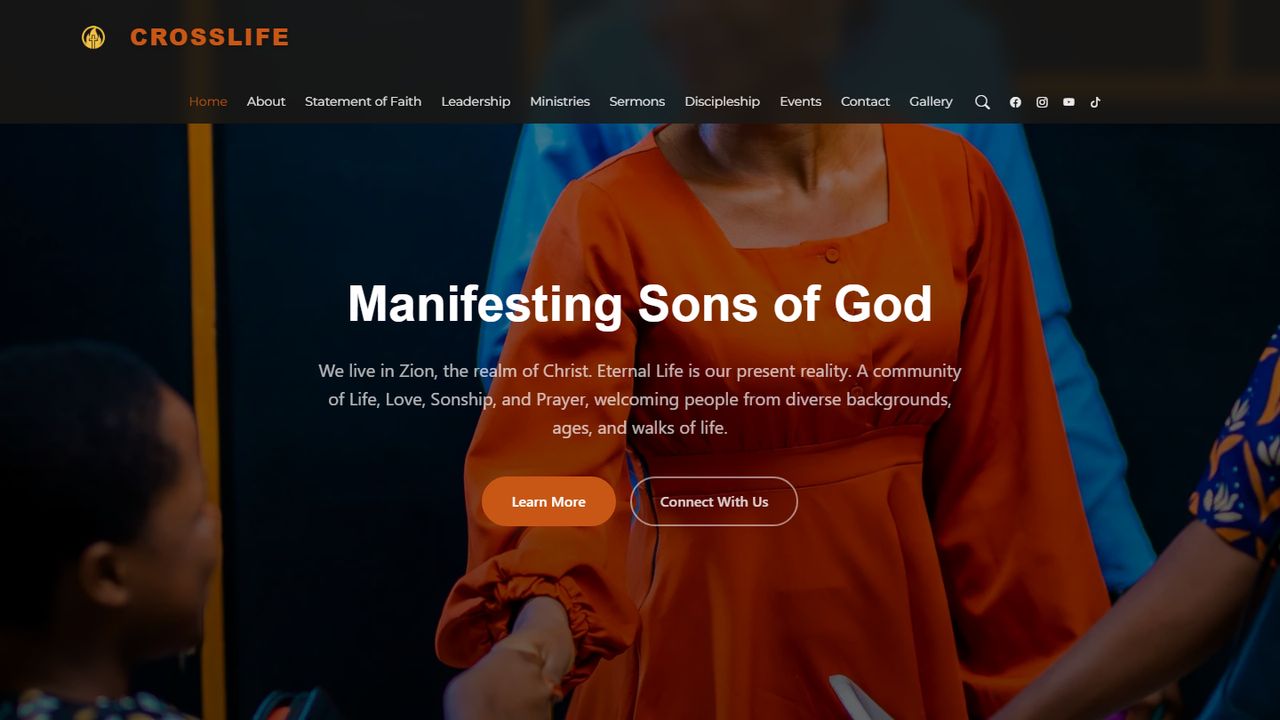
A management, communication and digital learning platform replacing a set of disconnected tools with a single system the organisation administers itself.
The problem
A church organisation was running membership, events, ministries, teaching material and member communication across disconnected tools — spreadsheets for people, messaging apps for announcements, file shares for materials. Nothing referenced anything else, so the same information was maintained several times and drifted.
Context
The platform serves two audiences with very different needs: members, who want events, materials and lessons without friction, and administrators, who need to manage the content, people and communication behind them. Administrators are not technical users, which put a hard constraint on how much complexity the dashboards could expose.
My role
Full-stack development: backend dashboards, data workflows, the learning functionality and the automated email notification system.
Engineering decisions
A conventional PHP/MySQL stack, chosen deliberately
This platform does not need a split frontend and API. A server-rendered PHP application against MySQL is simpler to deploy, cheaper to host and far easier for the organisation to have maintained by someone else later. Reaching for a heavier architecture would have been a cost with no matching benefit.
Learning modelled as first-class data
Classes, lessons and materials are related entities rather than uploaded files with names. That makes progression, listing and access control queries rather than conventions, and it is what separates a learning platform from a document folder.
Email as a system responsibility
Notifications go through PHPMailer over authenticated SMTP rather than the host's default mail function, because deliverability from a shared host is otherwise unreliable — messages that silently fail to arrive are worse than no notifications at all.
Key features
- Learning management covering classes, lessons and materials
- User authentication and administrative dashboards
- Event, ministry, content and user management
- Automated email notification through PHPMailer and SMTP
Challenges and solutions
Administration for non-technical administrators
The dashboards were built around the tasks people actually perform — publish an event, add a lesson, notify members — rather than around the underlying tables. Fewer, task-shaped screens beat a complete but generic CRUD interface for this audience.
Keeping one source of truth
Members, events, ministries and materials reference each other in the schema, which is what removed the duplicate maintenance the organisation started with.
Deployment and maintenance
Deployed to production hosting with database configuration held outside the application code and SMTP credentials kept in environment configuration. Live at crosslife.live.
Outcome
Membership, events, ministries, teaching material and member communication now run through a single platform with one set of records behind them, administered by the organisation itself.
Architecture
The request path as the platform actually runs it.
Client
Browser Member and administrator interfacesApplication
PHP Auth, routing, business logicData
MySQL Members, events, lessons, materialsExternal
SMTP PHPMailer transactional delivery
Next case study
ChargedAfrica
A technology publishing platform covering e-mobility, fintech, innovation and digital transformation across Africa.
Next step
Have a system to build, extend, or take over?
I take on full-stack product work, backend and API development, and long-term ownership of platforms already running in production.